
Embedded Performance Support
34 WalkMe Apps in 4 Months
Project Background:
Facilitating our virtual LCMS New Instructional Design Onboarding Program required a huge commitment of time. The initial onboarding was three full days. In addition to that my team continued to support designers as they began authoring, reviewing, and publishing in our LCMS. In an effort to reduce the amount of time we were spending delivering virtual onboarding, decrease the time to proficiency for new Instructional Designers, and reduce the amount of support tickets and questions, we wanted to shift the program to 75% self-paced content and 25% virtual facilitation.
One of our internal partners recently had success with a Digital Adoption Platform called WalkMe. This seemed like the perfect opportunity to place our performance support at the point of need for Instructional Designers. After several discussions and approvals from IT, we had WalkMe available in our LCMS to help us reach our goals. Part of the configuration required aligning the onscreen typography, colors, padding, and general brand guidelines through CSS, and working with the vendor to reveal additional unique user ID details to WalkMe.
The initial rollout confirmed the core bet assumption: performance support built into the tool, at the point of need, beat asking designers to pivot away to documentation. Analytics from showed us exactly which processes generated the most confusion, and we reduced support escalations in several key areas. Early findings also suggested WalkMe solutions were faster to update than screen-recorded videos when the interface changed, so for a while our strategy replaced UI-heavy videos with multistep Smart Walk-Thrus.
Several years of maintaining the solution taught us a harder lesson: complexity is fragile. Every behind the scenes or front end code change in the SaaS platform we were supporting could break a multistep Smart Walk-Thru, and each break meant emergency maintenance and eroded trust in the support itself. So the strategy evolved toward durable simplicity. Today the WalkMe solutions favor lightweight interventions placed in the tool's known trouble spots: SmartTip pop-up text, notifications, and small buttons (Launchers) that link to short demonstration videos. The videos carry the details, WalkMe meets them at the moment of need, and we significantly reduced any risk of breakage if the interface shifts.
One lasting lesson for me: in performance support, maintainability is a design requirement, not an afterthought. The most valuable intervention isn't the most sophisticated one; it's the one still working after the next platform update.

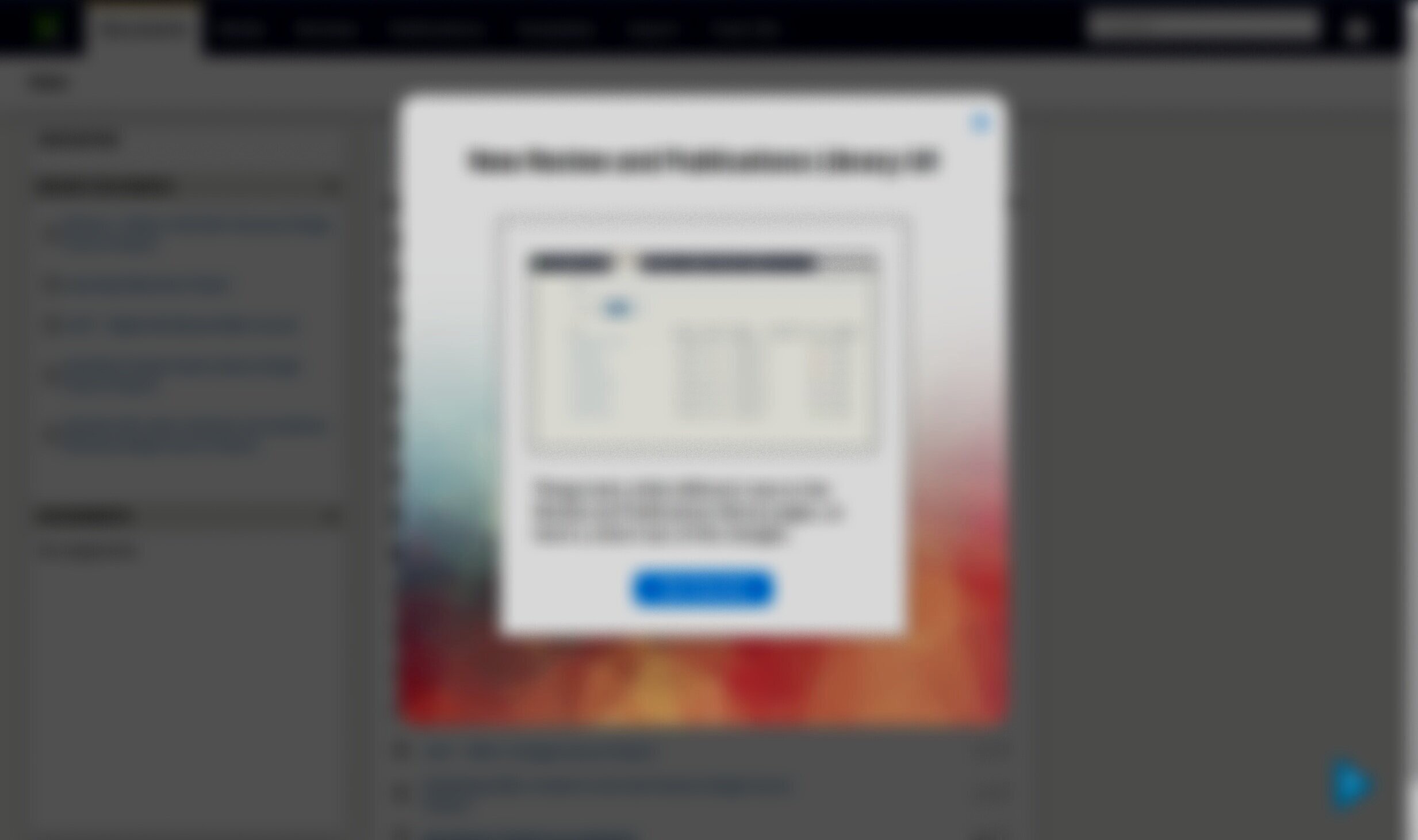
Select this image to see a notification that appears following a system update.
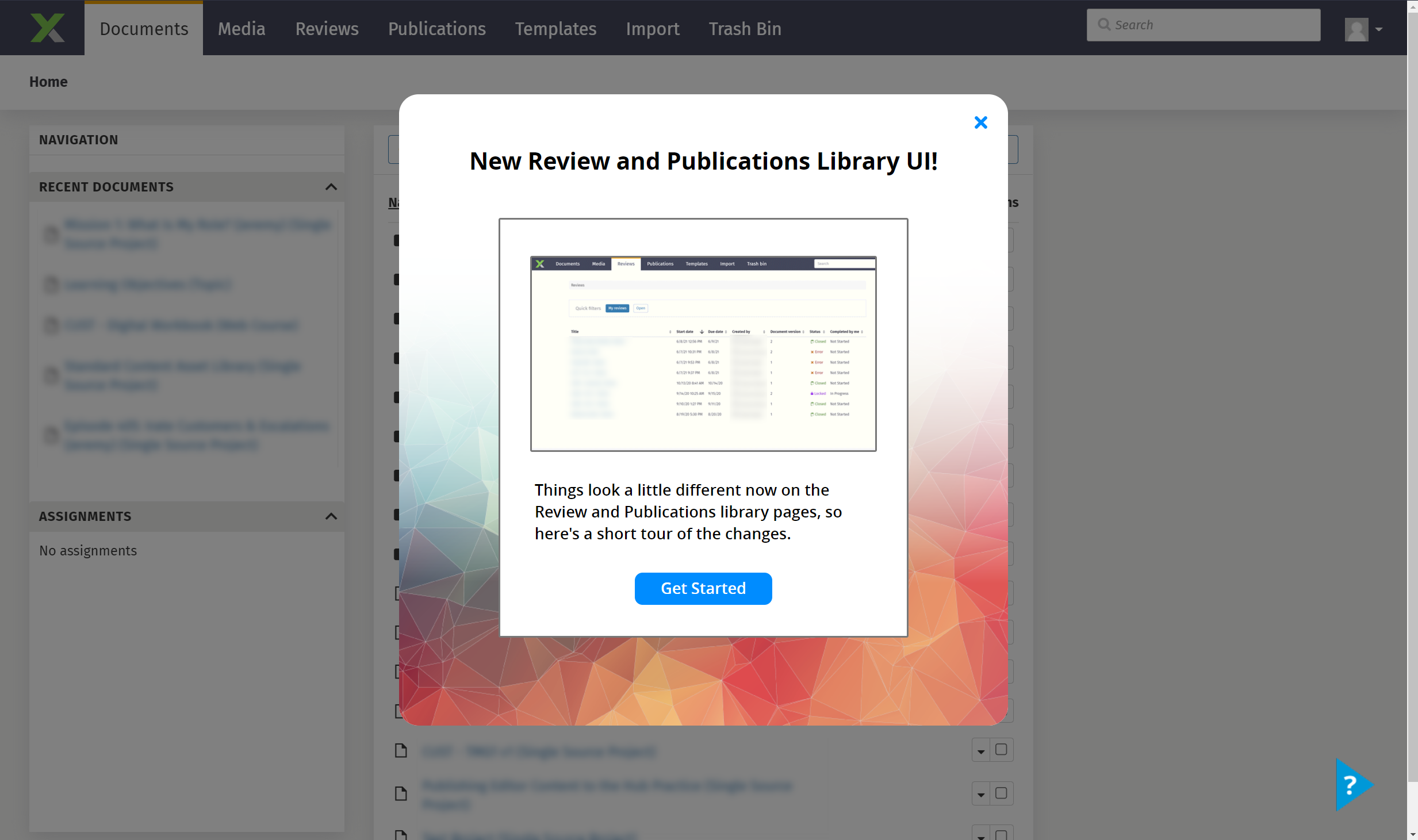
Select this image to see a special notification that was used during a new UI release.
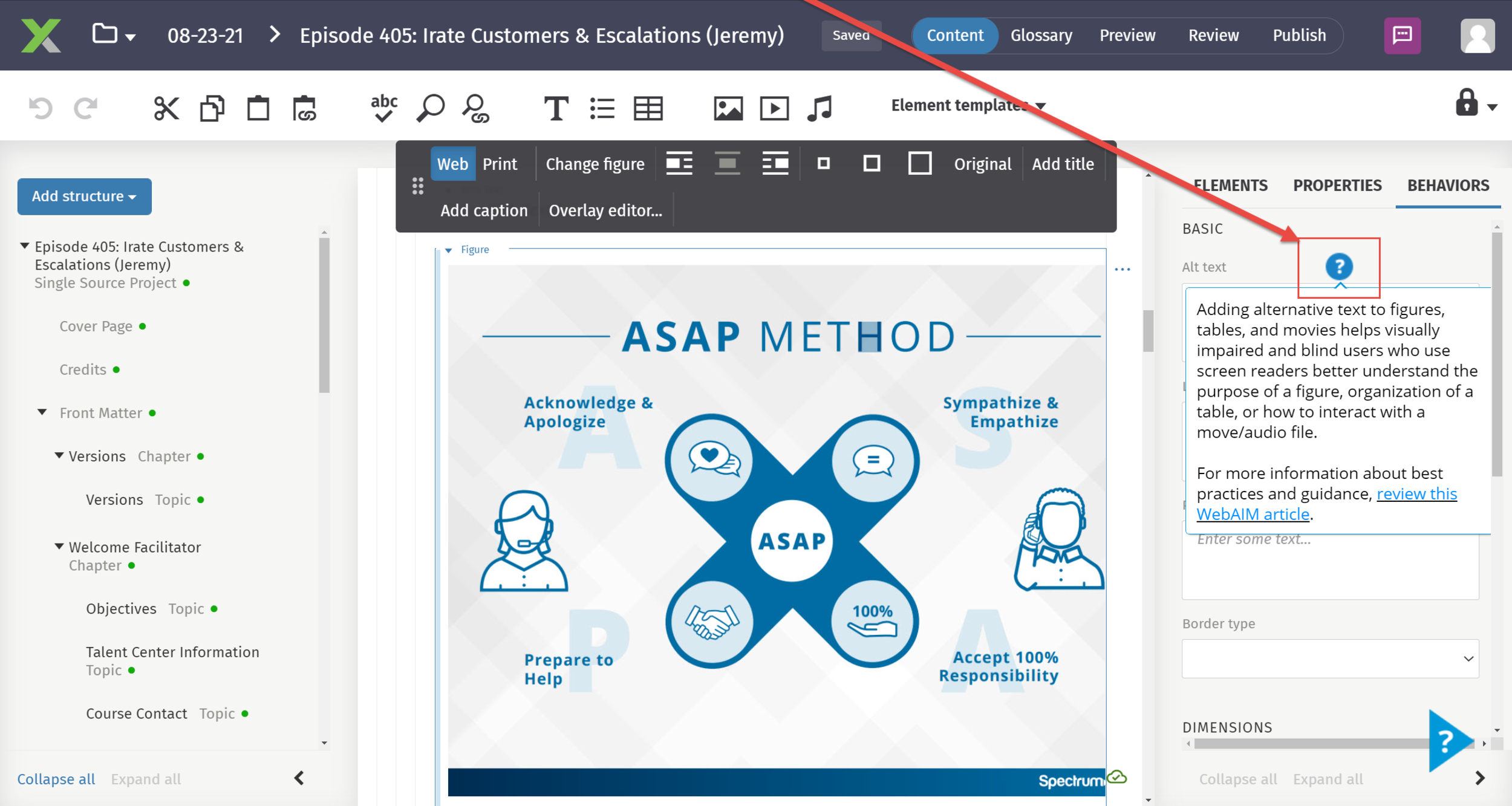
Select this image to see how smarttips were used to include accessibility best practices and guidelines.
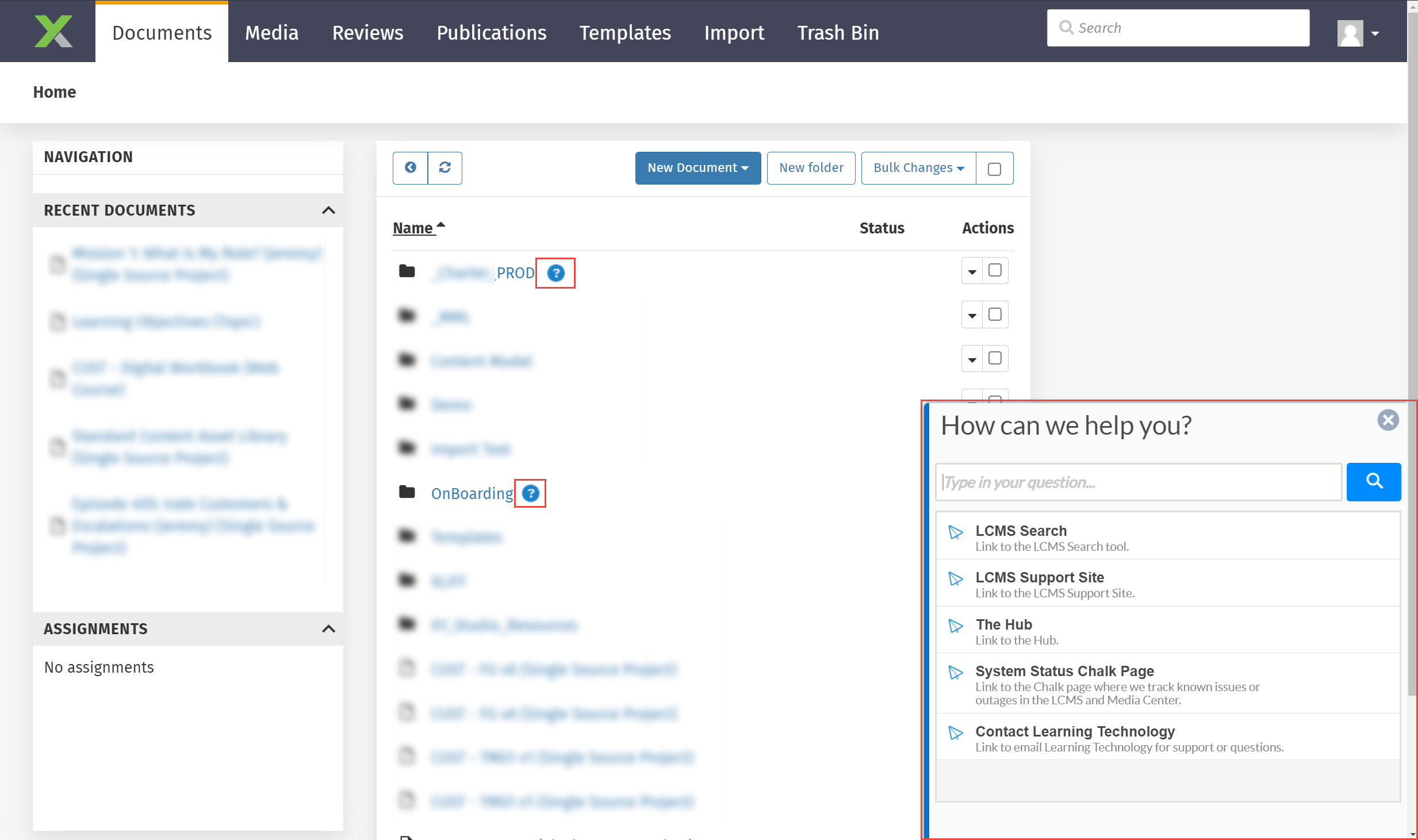
Select this image to see the WalkMe menu items after a user has clicked on the Menu icon.
This requires a password to access. Please reach out to me to request.
What was my role in this project?
Evolved the WalkMe solution portfolio over several years, retiring fragile multistep walkthroughs in favor of durable patterns: pop-up guidance, targeted buttons, and links to short demonstration videos placed at known friction points
Worked with my teammate and manager to prioritize the content we should develop based upon support tickets generated in the past, level of effort, and anticipated UI updates coming to the LCMS
Completed WalkMe Build Digital Adoption Solutions: Solution Builder programs to learn how to author WalkMe
Created 34 WalkMe apps including Smart Walk Thrus, SmartTips, and shout outs within a period of 4 months
Learned how to adjust the global CSS settings for WalkMe elements and aligned them to match our UI/UX guidelines
Storyboarded and animated the explainers video, and recorded and edited the voiceovers.
This project was made with the following tools:

WalkMe

Adobe Illustrator

Visual Studio Code

Adobe After Effects

Adobe Premiere

Vyond